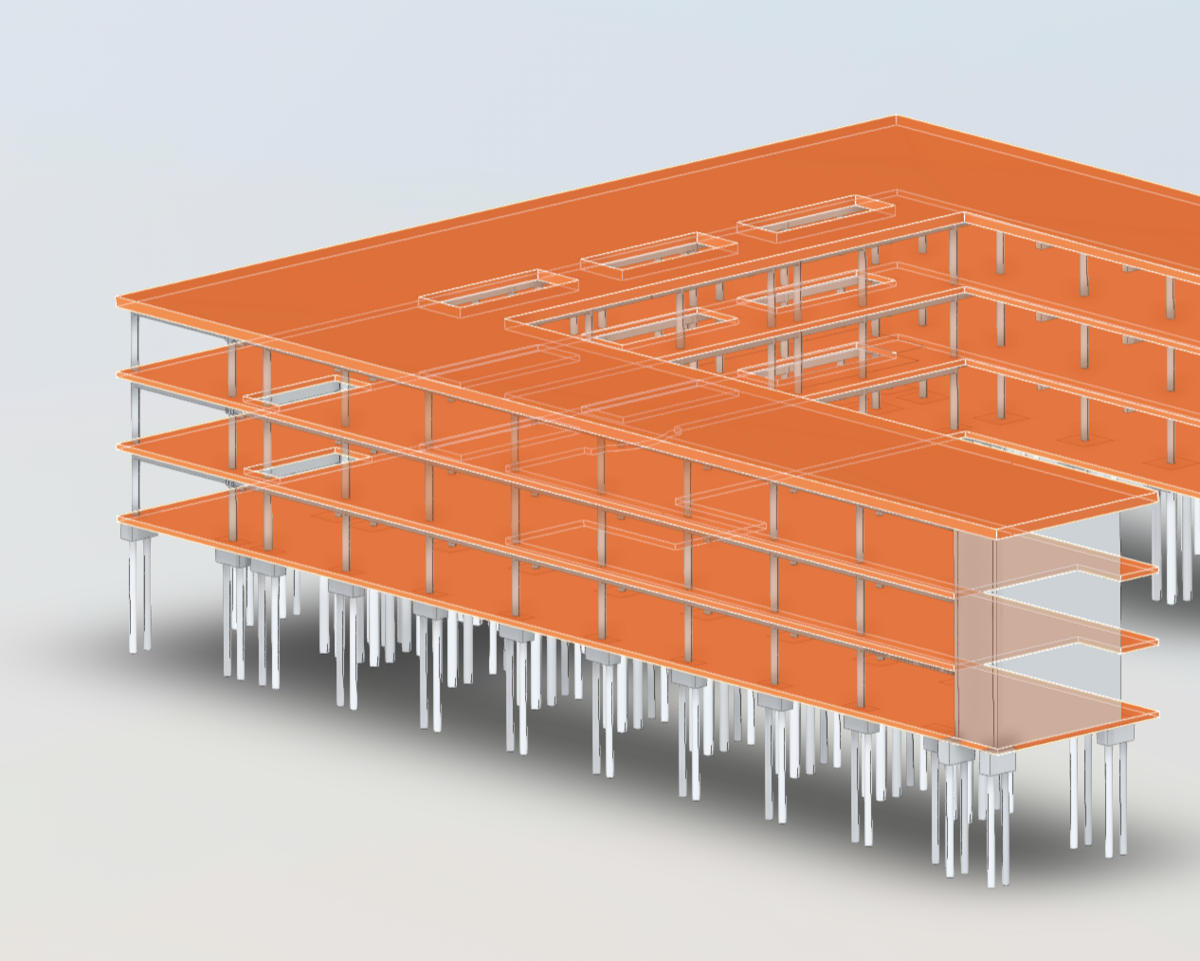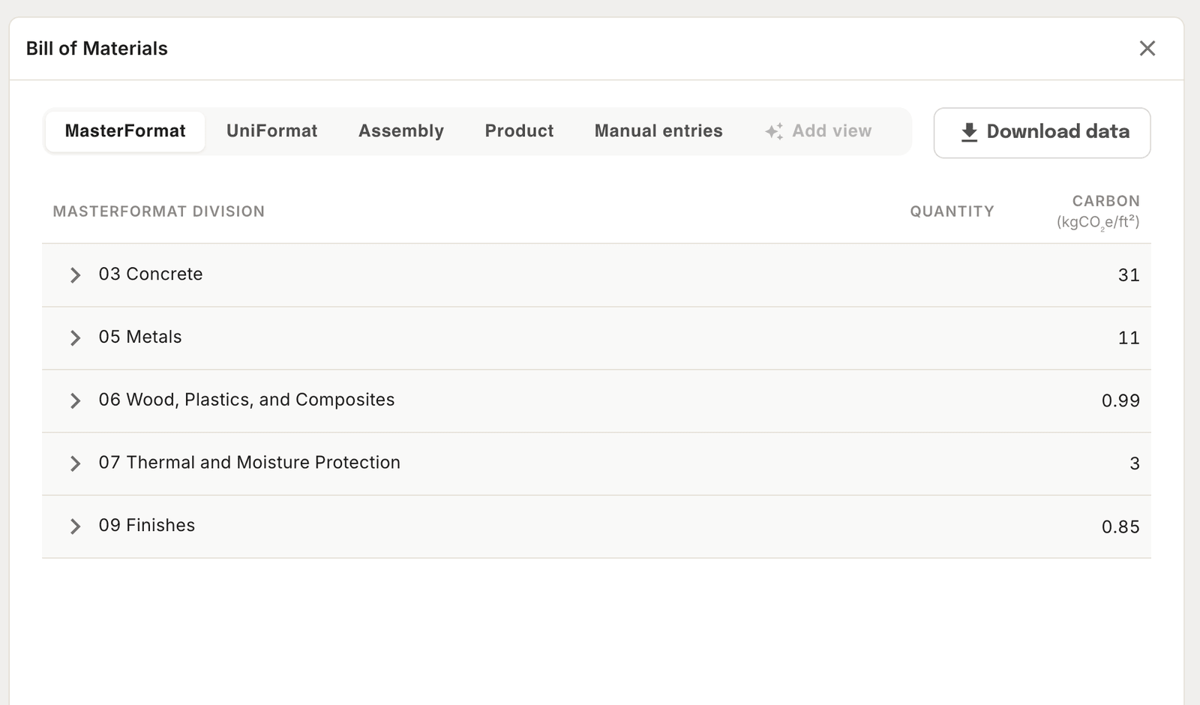
Tangible turns building design documents into structured, live material data — giving preconstruction teams a single source of truth for quantities, cost, and carbon impact.
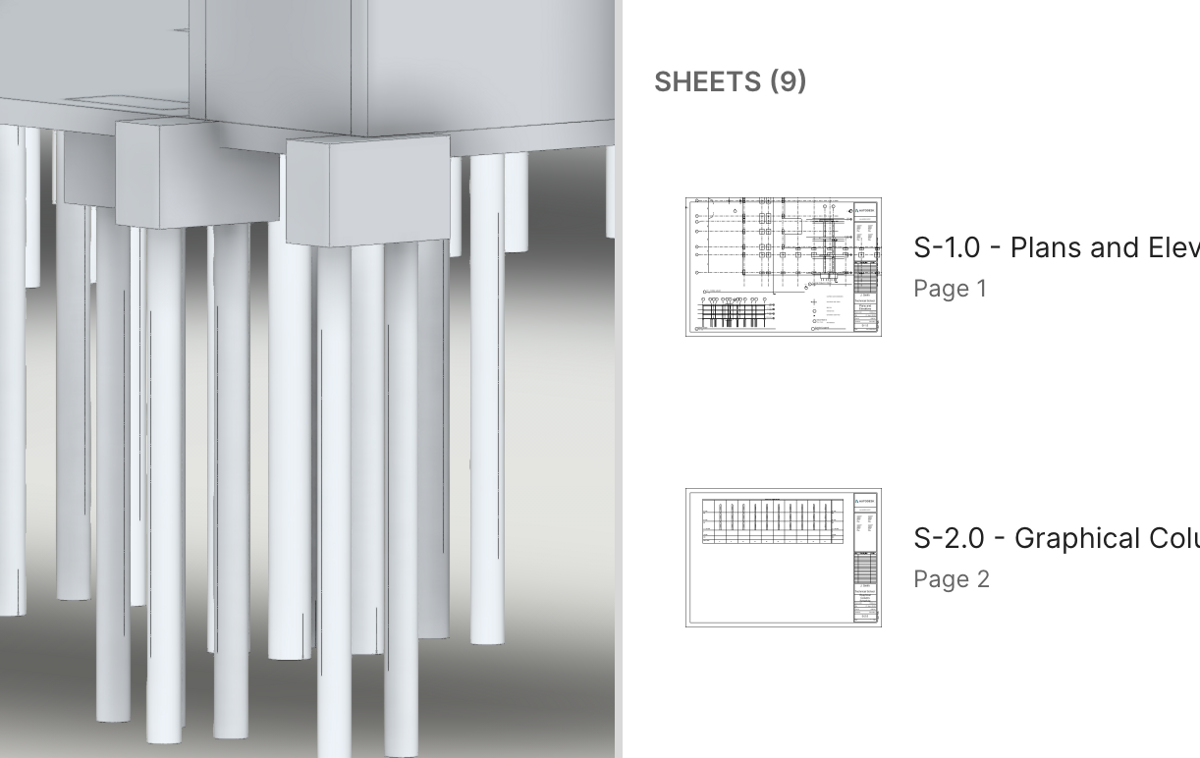
Upload your design files or connect directly to Autodesk Construction Cloud. Tangible's AI extracts what's in the building, maps it to standardized materials, and keeps the data live as the design evolves.
| Role | Use case |
|---|---|
| Estimators | Get structured quantities faster — no manual takeoffs. Export to your existing estimating templates. |
| Sustainability leads | Track embodied carbon from early design through CDs. Generate audit-ready reports. |
| Development managers | Compare cost and carbon across design options to make faster, more informed decisions. |
| Architects & engineers | Make material decisions with visibility into cost and carbon tradeoffs. |