
Settings are managed by Admins to ensure data consistency across the workspace.
Settings
Organization standards
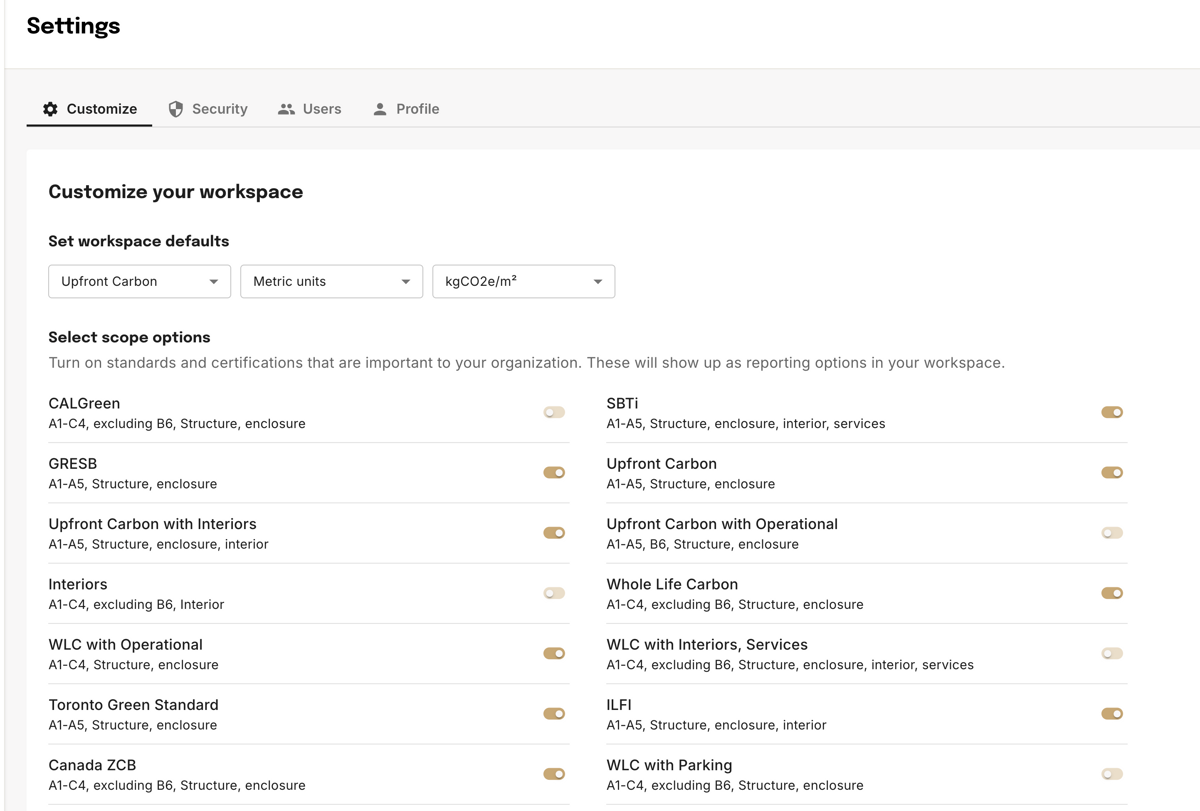
- Workspace defaults — Set the default carbon reporting scope, units (Imperial or Metric), and intensity unit for the workspace. Can be overridden at the project level.
- Reporting scopes — Toggle on the standards and certifications relevant to your organization. Enabled scopes appear in the Create carbon report dropdown on every project.
Team management
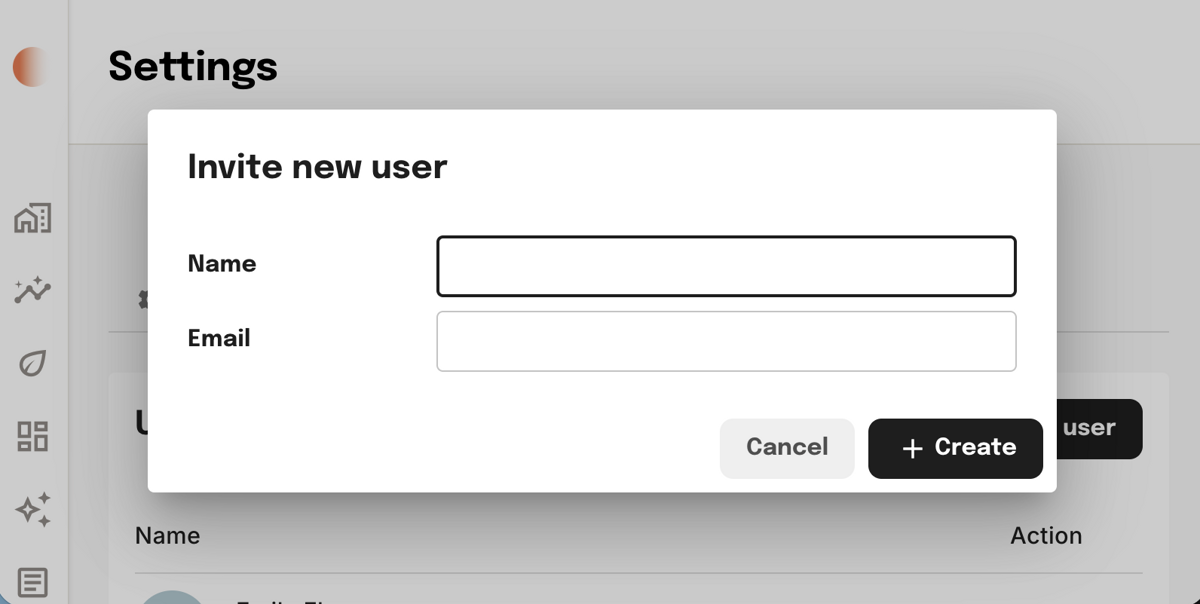
Navigate to Settings → Users → Add a User to invite team members. New users are granted Admin permissions by default. To add a project-level contributor, contact support.
- Admins — Full control: view, edit, and delete all projects; adjust organization settings; manage other admins.
- Contributors — Restricted to the specific projects they've been invited to.
Single sign-on (SSO)
Admins can turn on SSO so people in your organization can sign in with their work email in a secure, managed way.
- Open Settings.
- Go to Enable SSO and follow the prompts to complete setup.

Integrations
- ACC integration — Manage the organization-level connection to Autodesk Construction Cloud. Once installed by an admin, individual users can import any ACC projects they have permission to view. See the ACC Integration page for setup instructions.
Exports and API
- Excel export — Generate formatted
.XLSXfiles of takeoff quantities, carbon data, and cost estimates from any project or version. Available from the Download data button on project pages. - (Coming soon) API access — Pull project quantities and carbon metrics into PowerBI, Tableau, or custom dashboards. Available on request for enterprise accounts — contact your account team to enable.
Related
Was this page helpful?